

Tools
Aplos Console
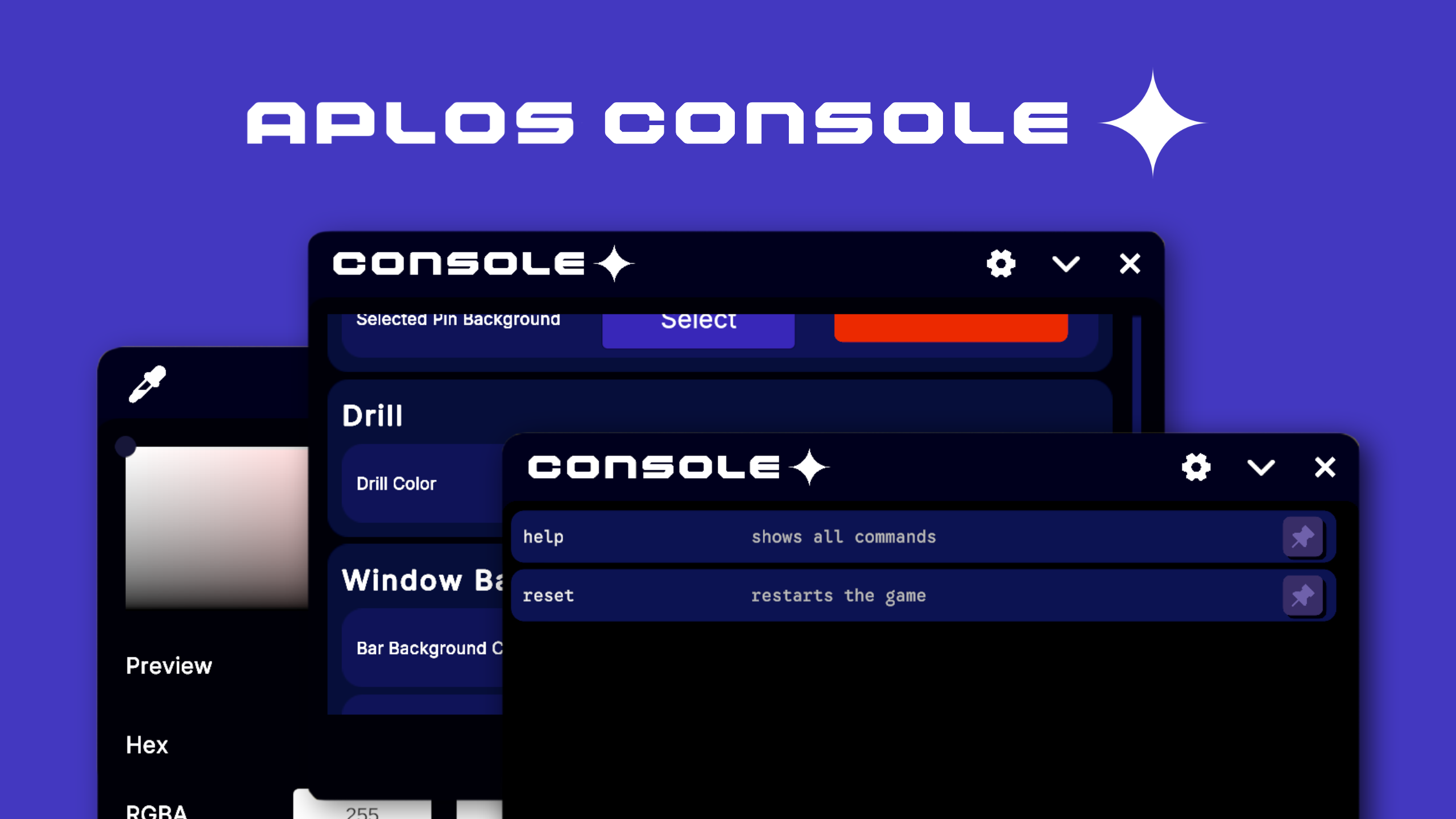
A drop-in overlay developers open while a game is running, to trigger custom commands, adjust settings live and watch log output without leaving play mode or rebuilding the project.
It is designed around extension. Nearly every seam in the system is an interface, so commands, input backends and persistence can all be swapped or added to without touching the core.
- Version
- 1.0.0
- Released
- 14 July 2026
- Engine
- Unity
- Licence
- MIT
What ships in 1.0.0
Console
A singleton manager handles command registration, and a command constructor assembles commands at runtime.
Command system
A debug command type covers anything callable from the console, with a ScriptableObject configuration bundling actions and prefabs.
Windows
A manager spawns and tracks runtime windows, taking request and settings structures that describe how each one is styled.
Colour picker
An HSV picker combining a saturation and value field, hue and alpha rails, hex and RGBA inputs and preview swatches, backed by a palette of reusable named colours.
Settings
Components marked with a debug group attribute are discovered and persisted, with their marked fields exposed live. A reflection-based scanner returns them sorted.
Input
Debug bindings are wired to Unity's Input System and control schemes resolved for you, with an extension point left open for custom backends.
Overview log
Unity messages are captured and coloured per entry, the visible list and history are trimmed as they grow, and the whole lot exports to text.
In use
Select an image to view it full size.
Community
For feedback and reporting access below.